

About the product
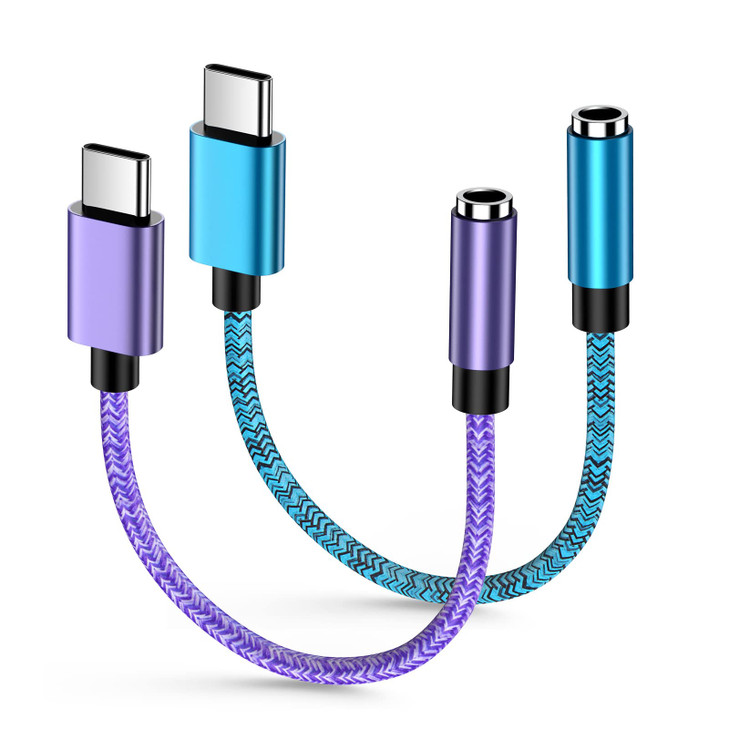
- Wide Compatibility: The type c headphone compatible with Samsung Galaxy S25 Edge,S25+,S25 Ultra,S24+,S24 Ultra,S24 FE,S23 FE,S23+ Plus,S23 Ultra,S22+,S22 Ultra, S21 FE,S21 Plus,S21 Ultra; Z Flip 6,5, Z Flod 6,5; A56,A53,A54,A36,A35,A26; Tab S10 Ultra,Tab S10+,Tab S9,Tab S8,Tab S7; for iPhone 17,Air,17 Pro,17 Pro Max,16 Plus,16 Pro,16 Pro Max/iPhone 16e,15 Plus,15 Pro,15 Pro Max; for iPad A16/iPad 10, for Google Pixel 10 Pro, 10 Pro XL,9 Pro XL,9 Pro Fold,8 Pro,8A and other Type C device
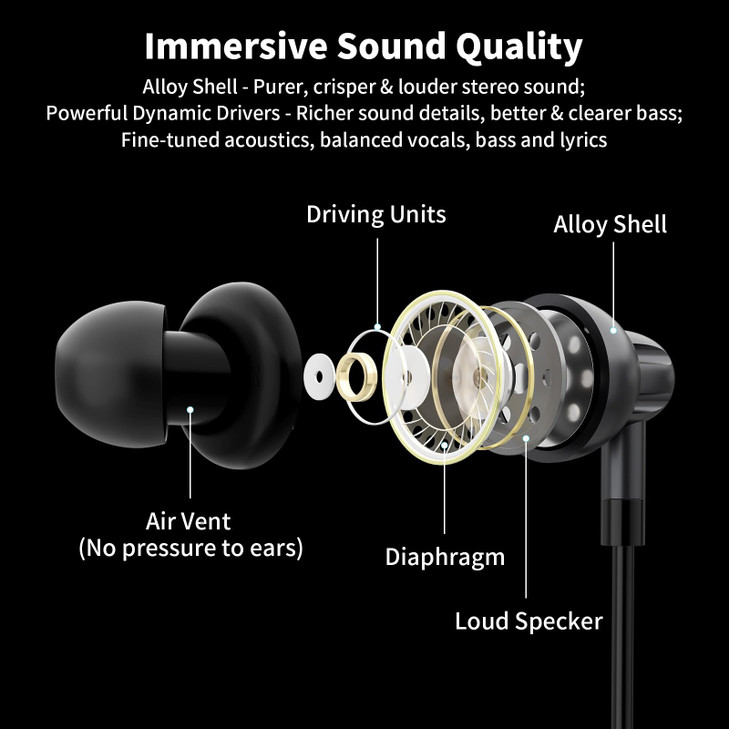
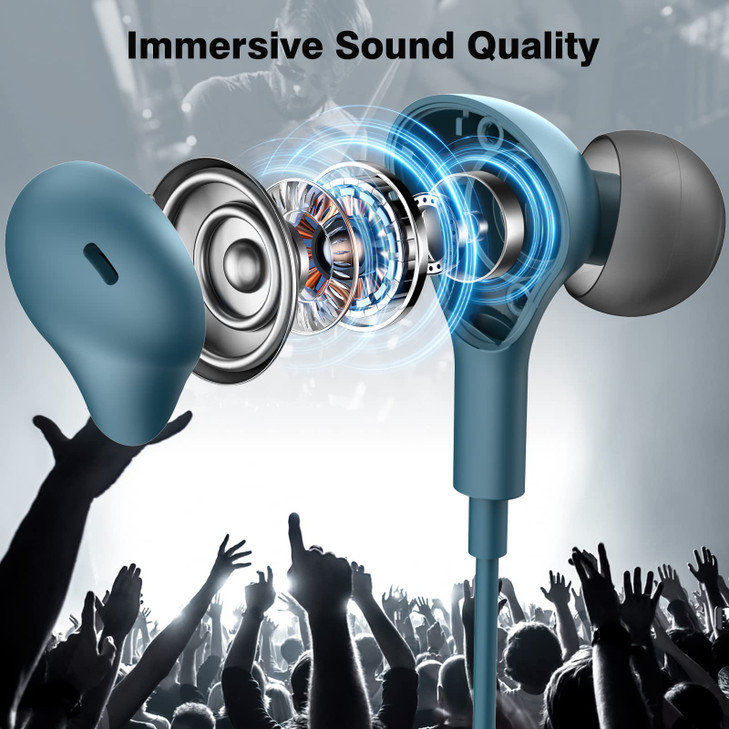
- Enjoy Stereo HiFi Sound Quality: Our type c earphones for samsung adopt premium nylon material and Hi-Fi & DAC digital decoder chip, reduce the loss in the sound transfer. Sampling rate up to 192 KHz/24 Bit, ensures high fidelity music, enjoy clear sound quality and bring people an immersive listening experience
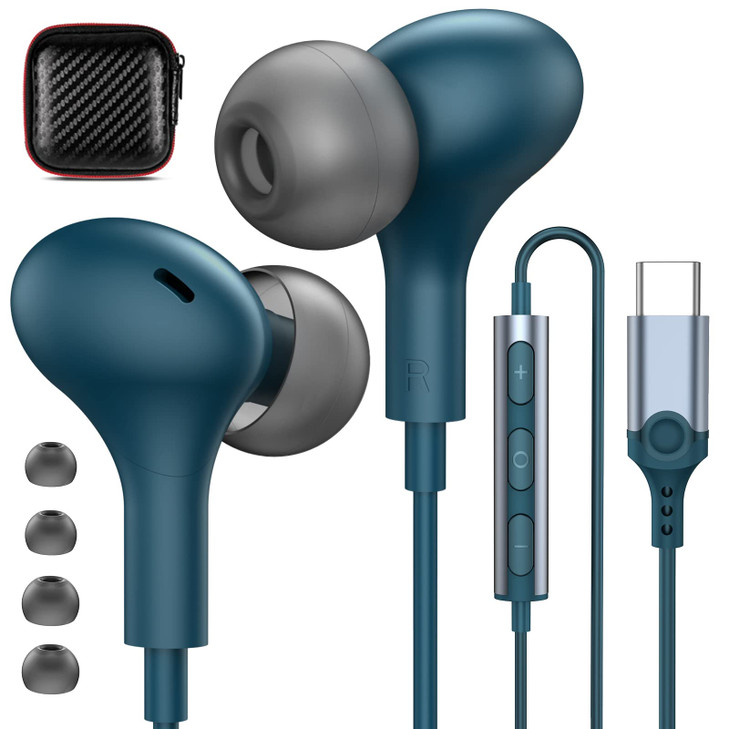
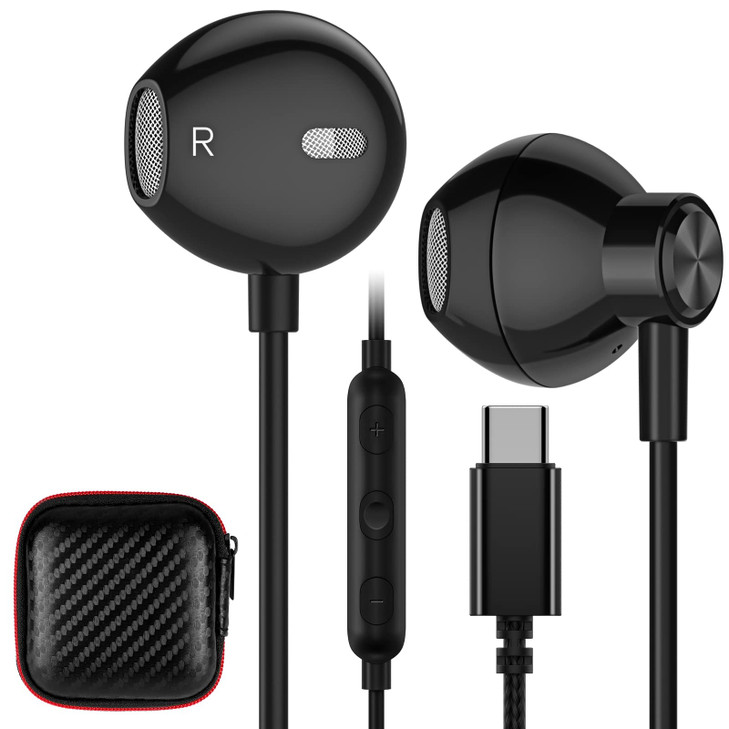
- Built-in Mic and Remote Control: The usb c earbuds for iphone 16 built-in microphone, no noise interference during calls. The usb type c headphones with a high quality microphone can hand free calling, allow you to easily answer calls, end calls.The control button allow you to play/pause songs, skip next/previous song without picking up your phone. Easy access to volume control on the go
- Ergonomic Semi In ear Design: 45°Semi in ear ergonomic design, specially designed for the human ear canal, snug and secure, greatly reduce the discomfort after being worn for a long time. This earphones wired is very comfortable to wear. Ideal for working, studying, traveling, sleeping, running, gym exercises or other outdoor activities
- What You Get: 1 x USB C Nylon Headphones, 1 x Headphone storage case, 1 x earphone clip, 2 x Sponge cover. Any question please feel free to contact us via message, we will provide satisfied solutions to you.Forget 30-day return window, don't worry, ACAGET US provide 6 months worry-free new replacement service
- Warm Tips: NOTE1: for Mac series, pls Go to Settings--Sound--Input(Output)--Select a Device for Sound Input(Output), then choose USB, to make the earbuds work;NOTE2: If the earbuds has No Sound when listening to audio on mobile, go to Setting-Developer Options, find Disable USB audio routing, Close this option;NOTE3: If others can NOT hear you while a call, please go to the setting, check whether you have turn on option Microphone or not, if not, please turn on the Microphone setting